Revoke Registration
Revoke registration is to remove the registration status and erase all the current server settings from the machine.
After client machine registered, the system is paired or locked to it's server settings for data interaction. To unregister the machine from it's server so it can be use on another outlets or another server you need to revoke the previous registration status first.
How to Revoke Registration
Go to Settings Menu and enter Set Server Menu, if the machine is already registered it will show like this :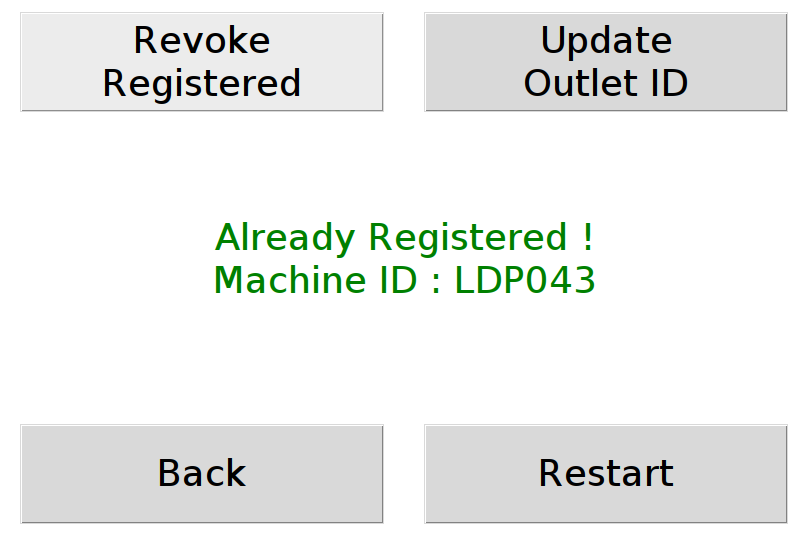
Press the Revoke Registered button to trigger the unregistering process. And when it finish it will show a confirmation message :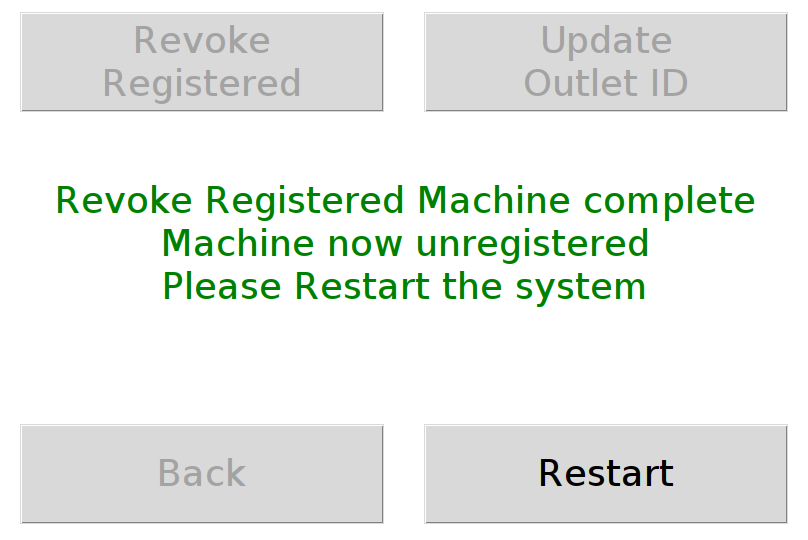
As stated, you need to restart the machine so the system will accept the changes.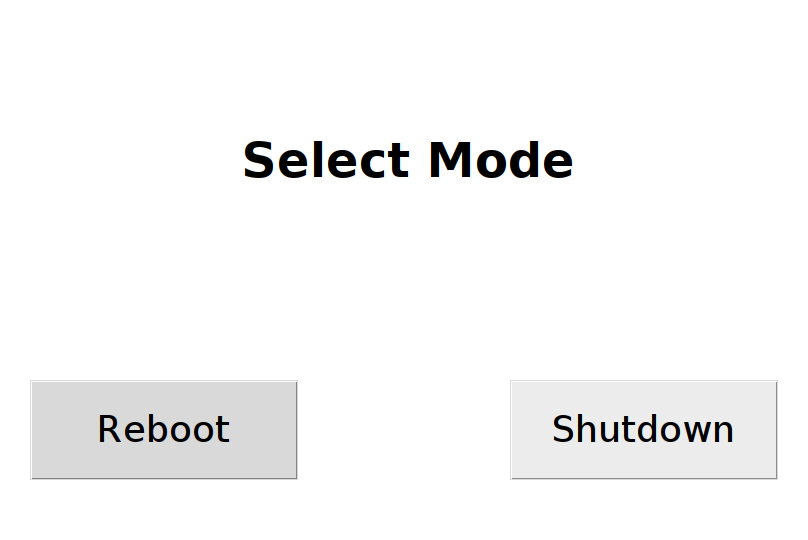
After rebooting, the client machine will set as unregistered again.