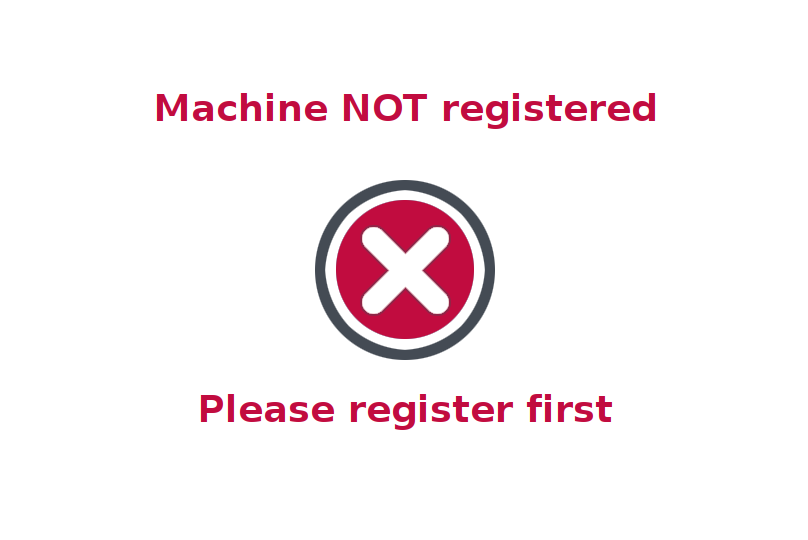
Factory Reset
A factory reset, also known as master reset, is an application restore to its original system state by erasing all of the information stored on the device in an attempt to restore the device to its original manufacturer settings.
This is needed such on some situation when server is changed / reset / database removed without revoking the client registration settings first. Ideally, to revoke all registration setting on the client is the right thing to do before setting up to another server.
How to Factory Reset
To enter Recovery Mode aka Factory Reset is to launch the Factory Reset application from application menu :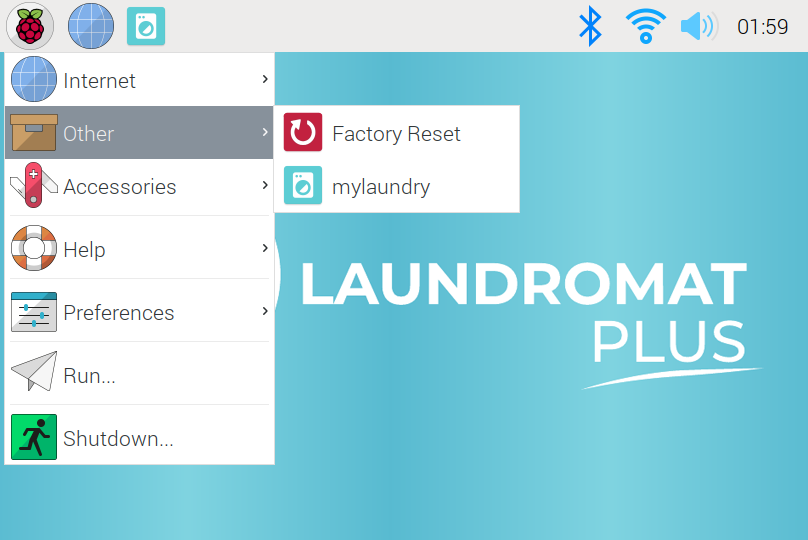
That will open a fullscreen application that ask you to enter the PIN password to continue the process. The PIN password is the same as engineering mode pin or technician pin. CL button to clear entries and 0 to exit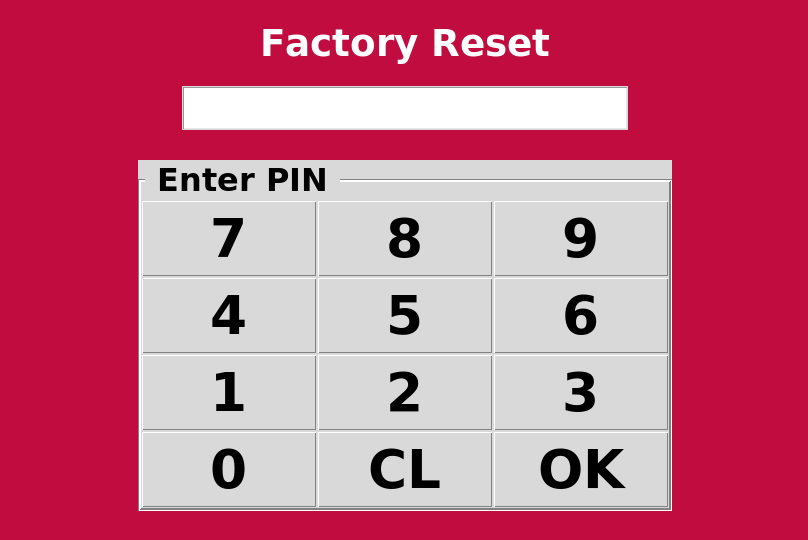
After entering the correct passcode then the recovery process will begin, it will remove all the curent settings and fill it in with the default value from manufacturer. If finished then will be a confirmation message as below :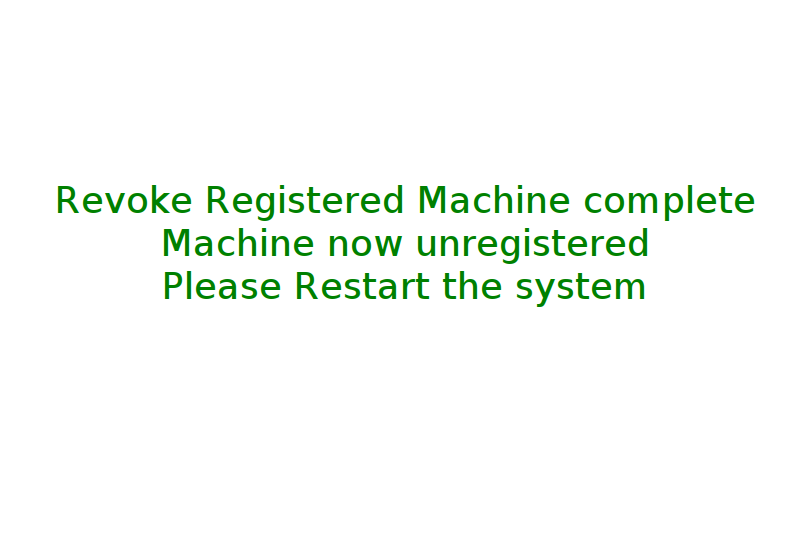
As stated, you need to restart the machine so the system will accept the changes.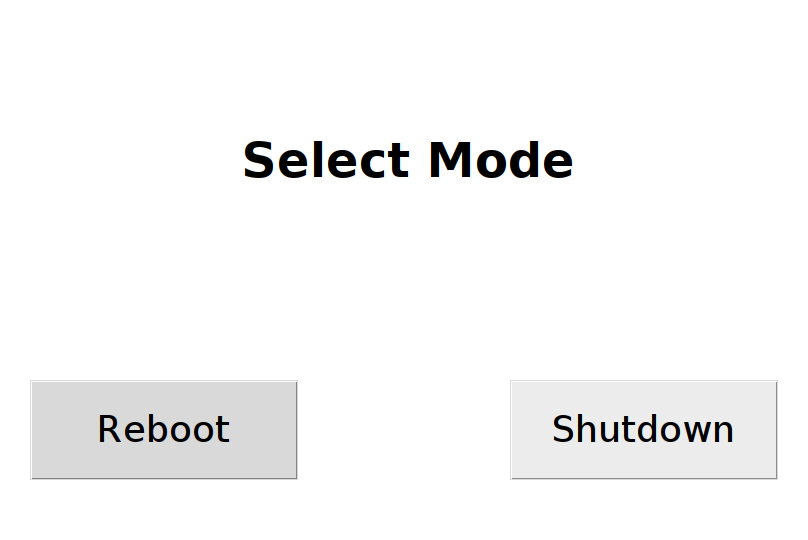
After rebooting, the client machine will set as unregistered again.