User Interface
User interface here is where customer interact with the system and is very easy to use.
Start Page
This is the start page where we begin :
The dot on the right top of the page is the internet connectivity indicator. It will stay Green when internet is available and turns Red when cannot reach the internet between interval window scanning 10 seconds. This myLaundry IoT system is heavily depends on internet connection to talk to it's server, so make sure to begin only when the dot is green. Check the internet connection or put the system on maintenance mode if the dot stays red for more than 10 seconds.
RFID Scan Page
When Start button is pressed, the system will request the transaction id to the server and will show this RFID Scan page for user to tap the RFID card for payment :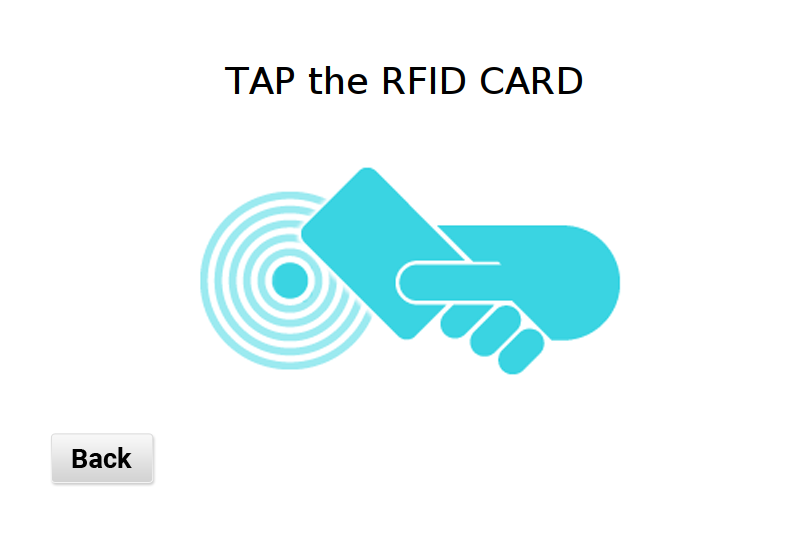
This is the good time for user to tap the RFID Card to authorize the payment.
This RFID Scan page will stay listening for any RFID Card tapping for a minute time period and then it will cancel the transaction automatically. Same thing happen also when user press the Back key, the transaction will cancelled and will lead back to start page.
Wash Page
If the payment succeeded and got an acknowledgement signal from its server, the laundry machine will turned on and will show this success screen :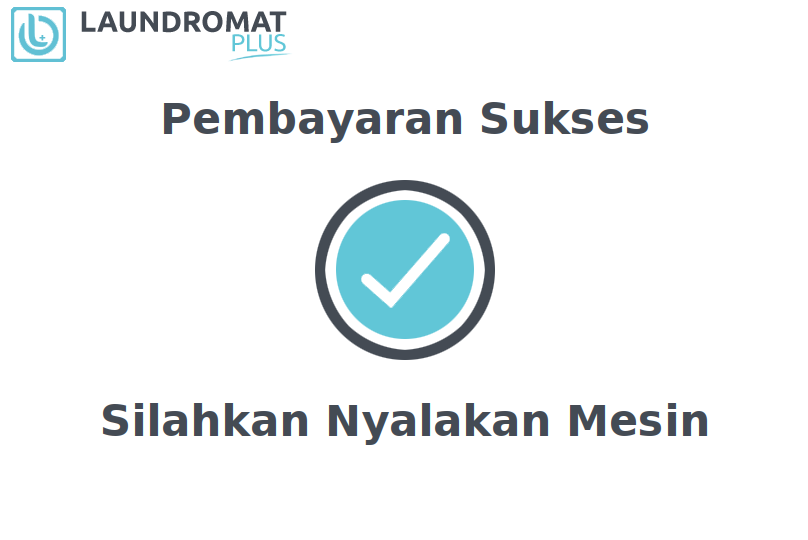
This is the time where user will do their laundry after success payment. The interface will stay on this screen for 10 seconds and will close automatically after it, then go back to the Start Page and ready for the next job.